

| Development Environment | |
Moving Windows Out of the MATLAB Desktop
To move a window outside of the MATLAB desktop, do one of the following:
 in the title bar of the window you want to move outside of the desktop.
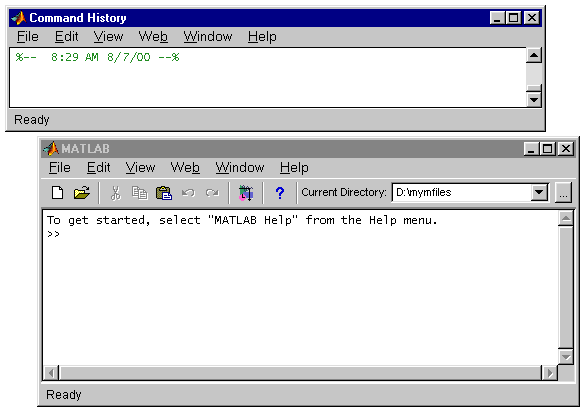
The window appears outside of the MATLAB desktop. In the following example, the Command History window has been moved outside of the desktop.
| | Moving Windows | Moving Windows Into the MATLAB Desktop | |