

| MATLAB Function Reference | |
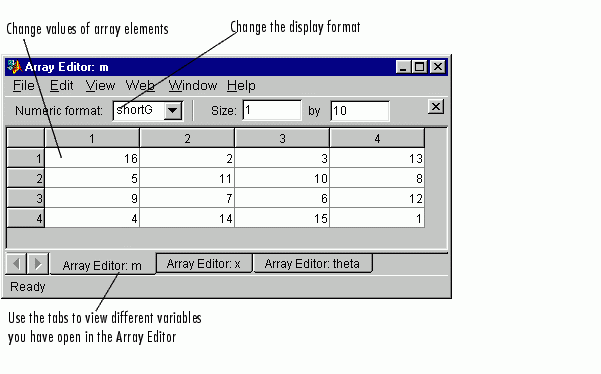
Open workspace variable in the Array Editor for graphical editing
Graphical Interface
As an alternative to the openvar function, double-click on a variable in the Workspace browser.
Syntax
openvar('name')
Description
openvar('name')
opens the workspace variable name in the Array Editor for graphical debugging. The array must be numeric.
See Also
| | opengl | optimget | |