| Image Processing Toolbox | |
Convert a matrix to a grayscale intensity image
Syntax
I = mat2gray(A,[amin amax])
I = mat2gray(A)
Description
I = mat2gray(A,[amin amax]) converts the matrix A to the intensity image I. The returned matrix I contains values in the range 0 (black) to 1.0 (full intensity or white). amin and amax are the values in A that correspond to 0 and 1.0 in I.
I = mat2gray(A) sets the values of amin and amax to the minimum and maximum values in A.
Class Support
The input array A and the output image I are of class double.
Example
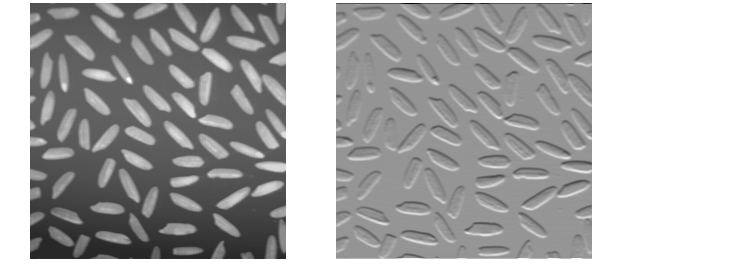
I = imread('rice.tif');
J = filter2(fspecial('sobel'),I);
K = mat2gray(J);
imshow(I)
figure, imshow(K)
See Also
| | makelut | mean2 | |