| Database Toolbox | |
Retrieving Information That Meets Specified Criteria
Use the Where field in Advanced query options to retrieve only the information that meets criteria you specify. This example uses basic.qry, created and saved in Building, Running, and Saving a Query. It limits the results to those stock numbers greater than 400000 and less than 500000.
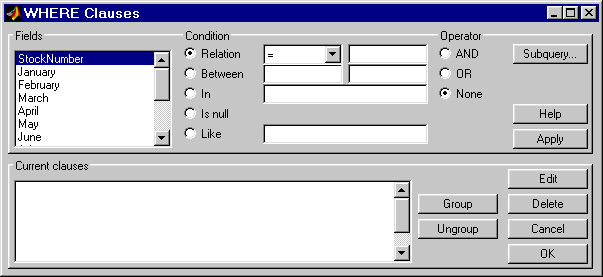
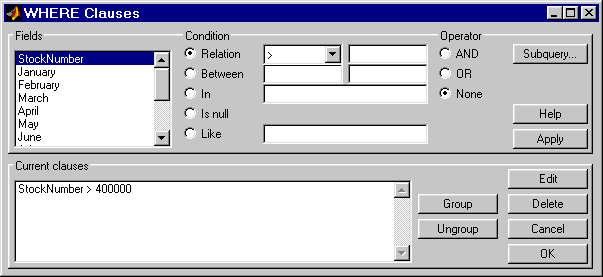
basic.qry. For instructions, see Using a Saved Query.StockNumber.StockNumber be greater than 400000.>.
400000.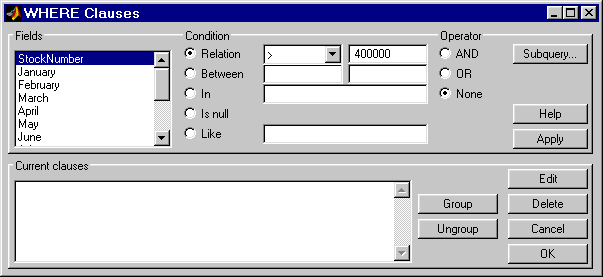
AND operator to it, and then you provide the new condition.StockNumber > 400000 from Current clauses.
StockNumber entry in Current clauses).
StockNumber must also be less than 500000.StockNumber.
<.
500000.
The Where Clauses dialog box closes. The SQL statement in the Visual Query Builder dialog box reflects the where clause you specified.
A in the Command Window. Compare these to the results for all stock numbers, which is a 10-by-4 matrix (see step 6 in Building and Running a Query).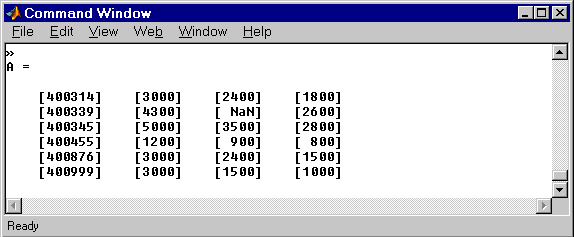
basic_where.qry.| | Retrieving Unique Occurrences | Grouping Criteria | |